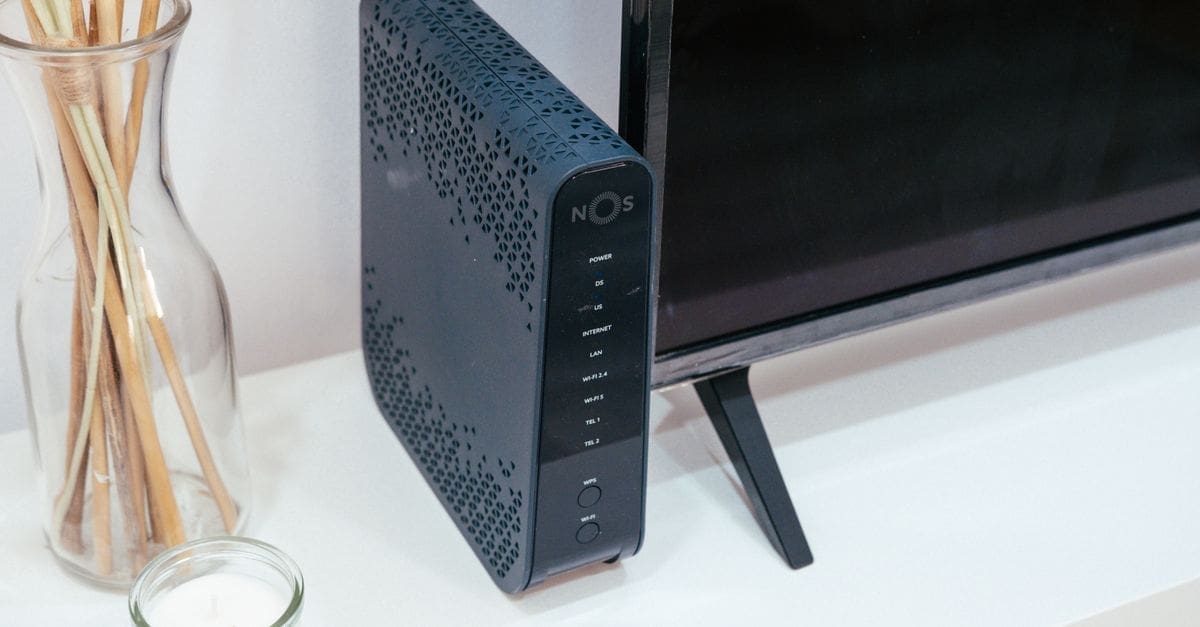
What to Look for in a Modem
Reliable internet at the speed you pay for depends on matching a modem to your provider and plan, not on buying the most expensive box available. A modem that is not approved by your internet service provider simply will not connect, and one rated below your plan’s speed throttles what you receive. Provider compatibility, channel support, and connection standard decide whether a modem delivers. Knowing your provider, plan speed, and whether you want a separate router points toward the right unit before extra ports matter.
Provider Compatibility
Your internet provider must approve the modem, so checking their compatibility list before buying is essential. An unapproved modem, even a capable one, may not activate on the network at all.
Compatibility also depends on the connection type, whether cable, DSL, or fiber, since each uses different modem hardware. Confirming both the provider approval and the correct technology for your service prevents buying a modem that cannot work with your line.
Speed Rating and DOCSIS Standard
For cable internet, the DOCSIS standard determines maximum speed and efficiency. DOCSIS 3.1 supports gigabit and higher plans and handles congestion better than the older 3.0, so matching the standard to your plan future-proofs the purchase.
The modem’s rated speed should meet or exceed your internet plan. Buying a modem rated below your plan caps your speed, while one rated well above leaves headroom to upgrade your plan later without replacing the hardware.
Channel Bonding
Channel bonding, expressed as download by upload channels, affects real-world speed and how well the modem handles many devices. More bonded channels provide more bandwidth and steadier performance during busy times.
Higher channel counts matter most on faster plans and in homes with heavy simultaneous use. Matching the channel bonding to your plan tier ensures the modem is not the bottleneck when the whole household is online at once.
Modem-Router Combo Versus Separate Units
A modem-router combo, or gateway, combines both functions in one box for simpler setup and less clutter. Separate units let you choose a stronger standalone router and upgrade each piece independently.
Choosing depends on your priorities. A combo suits those who want simplicity, while separate devices give more control, better Wi-Fi options, and easier upgrades. If you already own a good router, a standalone modem is the natural pairing.
Ports and Ongoing Value
Ethernet ports let you connect devices directly for the most stable, fastest links, and multi-gigabit ports matter on very fast plans. Checking the port count and speed ensures wired devices get the throughput they need.
Buying your own modem can eliminate the monthly rental fee many providers charge, paying for itself over time. Weighing the upfront cost against years of avoided rental fees often makes purchasing the better long-term value.
What to Check Before You Buy
- Confirm the modem is on your provider’s approved compatibility list.
- Match the modem to your connection type, cable, DSL, or fiber.
- Choose a DOCSIS standard that supports your plan’s speed for cable.
- Ensure the rated speed meets or exceeds your internet plan.
- Check channel bonding suited to your plan and household use.
- Decide between a modem-router combo and separate units.
- Verify the Ethernet ports and their speeds for wired devices.
- Weigh the purchase cost against avoiding monthly rental fees.
How to Choose a Modem
Working from your provider and plan keeps the compatibility and speed choices practical.
- Identify your internet provider and connection type.
- Check the provider’s approved modem list for compatible models.
- Match the DOCSIS standard and speed rating to your plan.
- Confirm channel bonding suits your plan tier and usage.
- Decide whether you want a combo or a standalone modem.
- Weigh buying against your provider’s rental fee over time.
Ready to shop? Browse our full list of Modems to compare current options and prices.