
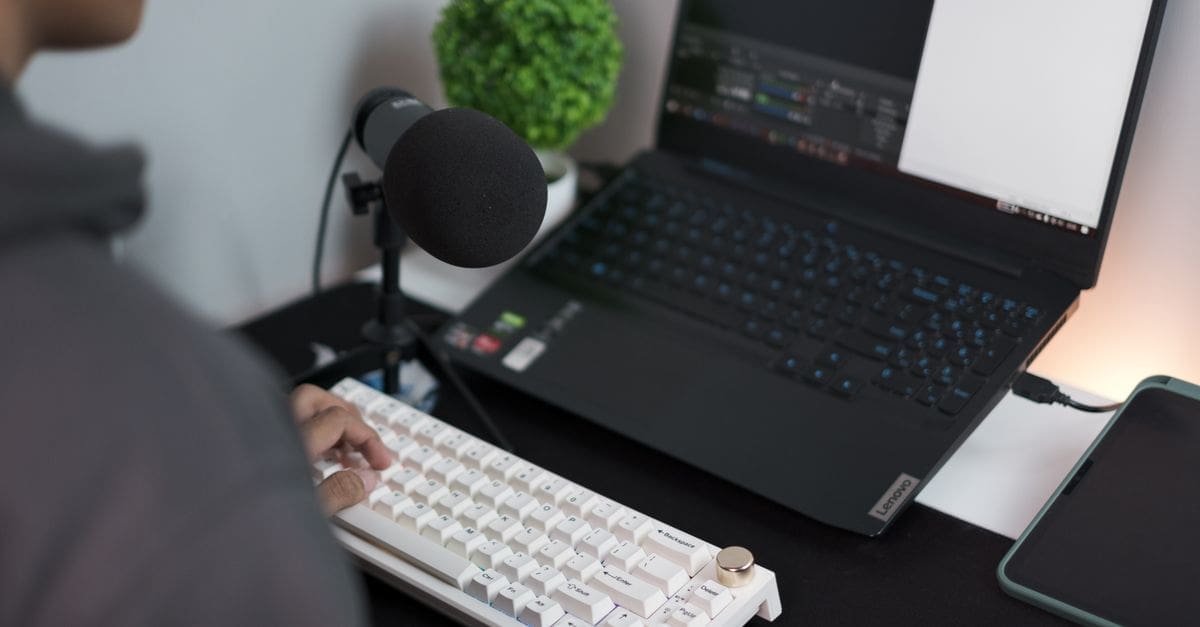
How to Choose a USB Microphone
Recording a clear voice without an audio interface is the appeal of a plug-and-play microphone, and its worth rests on the capsule, the pickup pattern, and how well it rejects a noisy room. Polar pattern, sample support, and onboard controls matter more than the styling. Stand and mounting options shape daily use at a desk. Matching the microphone to your voice work keeps a streaming mic from disappointing on a podcast it was never tuned for.
Polar Pattern and Pickup
A cardioid pattern captures sound from the front and rejects the sides and rear, which suits a single voice in an untreated room. Multi-pattern microphones add omnidirectional and figure-of-eight modes for interviews and two-person recordings, at a higher price.
For solo streaming, podcasting, or voice-over, a fixed cardioid capsule keeps the setup simple and focused. Weigh whether you need the extra patterns, since a single-pattern mic used correctly often sounds cleaner than a versatile one used carelessly.
Sound Quality and Sample Rate
The capsule and its diaphragm size shape the character of the sound, with larger diaphragms tending toward a fuller voice. Sample rate and bit depth set the technical ceiling, and support for higher figures gives more headroom for editing.
A microphone that sounds warm and clear on your own voice matters more than a spec sheet, since capsules vary in tone. Listening to real recordings from a mic tells you far more than its numbers about how it will treat your voice.
Onboard Controls and Monitoring
A headphone jack with zero-latency monitoring lets you hear yourself as you speak without the delay that echoes through software monitoring. A gain dial on the mic sets input level without diving into menus.
A mute button is invaluable for streaming and calls, and a clear indicator shows when the mic is live. Weigh how many controls you will use, since a cluttered mic with dials you never touch adds cost without benefit.
Connectivity and Compatibility
A standard USB connection works with computers without drivers, and a USB-C port suits newer machines while an older type suits legacy setups. Confirm the cable and connector match your computer or budget for an adapter.
Some microphones also offer an XLR output for later upgrade to an interface, which future-proofs a growing setup. Check compatibility with your operating system, and whether the mic works with a phone or tablet if you record on the move.
Room Noise and Isolation
A tight cardioid pattern helps in an untreated room, but no microphone fully rejects a loud keyboard or a reflective space. A pop filter tames plosives and a shock mount isolates desk thumps that a bare mic picks up.
Condenser capsules are sensitive and reveal room noise, while dynamic USB mics reject more background sound, suiting a noisy space. Choose the capsule type to match your room, since a sensitive condenser in an echoey room disappoints.
Stand, Mounting, and Build
A desk stand suits a fixed position, while a boom arm clamps to the desk and swings the mic close for a cleaner sound and a tidier desk. Check the mounting thread matches a standard arm if you plan to upgrade.
Build quality and a solid stand keep the mic steady and free of vibration. Weigh a bundled desk tripod against your needs, since many people replace it with a boom arm for better positioning and less desk clutter.
What to Check Before You Buy
- Choose a cardioid pattern for solo voice or multi-pattern for interviews.
- Judge sound by real recordings rather than sample-rate numbers alone.
- Look for zero-latency headphone monitoring and a gain dial.
- Confirm the USB connector matches your computer or plan an adapter.
- Match a condenser or dynamic capsule to how noisy your room is.
- Add a pop filter and shock mount to tame plosives and desk thumps.
- Check the mounting thread fits a standard boom arm for upgrades.
How to Choose a USB Microphone
Start with your voice work and room, then weigh pickup pattern, capsule type, and controls against mounting.
- Define your use, from streaming and podcasting to voice-over or calls.
- Choose a polar pattern that suits solo or multi-person recording.
- Match a condenser or dynamic capsule to how treated your room is.
- Confirm onboard monitoring and gain control suit your workflow.
- Check the USB connector and operating-system compatibility.
- Plan mounting with a stand or boom arm, plus a pop filter.
Ready to shop? Browse our full list of USB Microphones to compare current options and prices.


