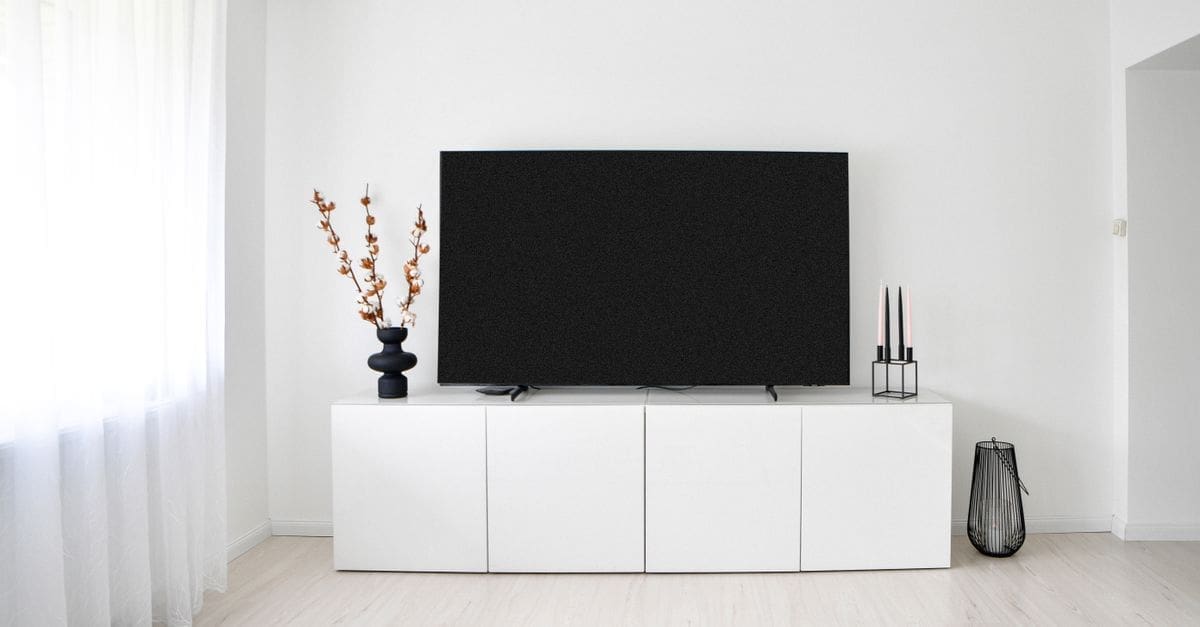
How to Choose a Media Cabinet
Ventilation and cable management decide whether a media cabinet keeps equipment cool and tidy or traps heat and tangles wires. Size relative to components, shelf adjustability, and build shape how well it houses your gear. Finish and door design affect the look and access. Matching the dimensions and airflow to your equipment keeps a media cabinet organized, cool, and easy to use.
Ventilation and Heat Management
Enclosed electronics generate heat, so vented backs, open sections, or mesh doors let warm air escape and prevent components overheating. A sealed cabinet without airflow shortens the life of amplifiers and consoles.
Space around each component aids cooling, so avoid packing shelves tightly. Consider whether your gear runs hot, since receivers and gaming consoles especially benefit from good ventilation.
Size and Component Fit
Measure your components’ width, depth, and height, plus room for connections behind, so everything fits with clearance. A cabinet too shallow leaves cables crushed against the wall.
Interior compartment sizes should suit your devices, from a slim streaming box to a wide receiver. Confirm the openings and shelf spacing match your gear before buying to avoid a cabinet that will not house it.
Shelf Adjustability and Storage
Adjustable shelves adapt to components of different heights and let you reconfigure as gear changes. Fixed shelves waste space when devices do not match the set heights.
Drawers and closed compartments store discs, controllers, and clutter, while open shelves suit devices needing airflow and remote access. Match the layout to what you own and want on show.
Cable Management
Cutouts, channels, and a gap at the back route cables neatly to power and the display, keeping the tangle out of sight. A cabinet without cable access forces wires over the edges.
Rear panels with openings let you connect and swap devices without pulling the cabinet out. Consider how many cables your setup runs, since good management keeps the whole area tidy and serviceable.
Build Quality and Stability
A solid frame supports the weight of heavy equipment without sagging, and quality joinery keeps shelves level. Weight-rated shelves matter for a receiver or a stack of components.
Stable feet or a level base stop the cabinet rocking, and an anti-tip fixing adds safety if a display sits on top. Check the ratings, since electronics are heavy and valuable.
Finish, Doors, and Style
Glass or mesh doors let remote signals pass and show the gear, while solid doors hide it, though solid doors need vents for airflow. A wipeable finish keeps the cabinet looking clean.
The style should suit your room and any matching furniture, from a low console to a taller cabinet. Match the finish and proportions so the cabinet complements the space rather than dominating it.
What to Check Before You Buy
- Confirm vented backs or mesh doors keep components cool.
- Measure your gear’s dimensions plus rear clearance for cables.
- Check compartment sizes and spacing suit your devices.
- Prefer adjustable shelves for changing equipment.
- Look for cable cutouts and channels to route wires.
- Confirm the frame and shelves support heavy components.
- Consider glass or mesh doors so remotes work through them.
- Choose a finish and size that suit your room.
How to Choose a Media Cabinet
Start with your components and how they run, then weigh ventilation, size, and cable management against build quality and style.
- Confirm the cabinet ventilates the electronics you own.
- Measure your gear and rear clearance for a proper fit.
- Choose adjustable shelves and suitable compartments.
- Check cable routing keeps wires tidy and accessible.
- Confirm the frame supports the weight of your equipment.
- Pick doors and a finish that suit remotes and your room.
Ready to shop? Browse our full list of Media Cabinets to compare current options and prices.