What to Look for in an OBD2 Scanner
A glowing check engine light can mean anything from a loose gas cap to a failing sensor. A diagnostic scanner plugs into the port under the dash and reads the codes so you can decide whether to fix it yourself or head to a shop. Code coverage, live data and system support vary widely. Compare these features before buying one.
Code Readers vs Scan Tools
Basic code readers plug into the port under the dashboard, read engine trouble codes and clear the check engine light. They are inexpensive and enough for most drivers who want to know why the light came on.
Full scan tools also read ABS, airbag, transmission and body control modules and add live data, freeze frame and service functions. They cost more but help DIY mechanics diagnose problems beyond the engine.
Live Data and Freeze Frame
Live data streams sensor readings such as oxygen sensors, fuel trims and coolant temperature while the engine runs. Watching these values helps pinpoint intermittent problems a single code cannot explain.
Freeze frame records the conditions at the moment a code was set, including speed, load and temperature. Graphing several sensors at once makes it easier to spot a failing component.
Bluetooth Dongles vs Handheld Units
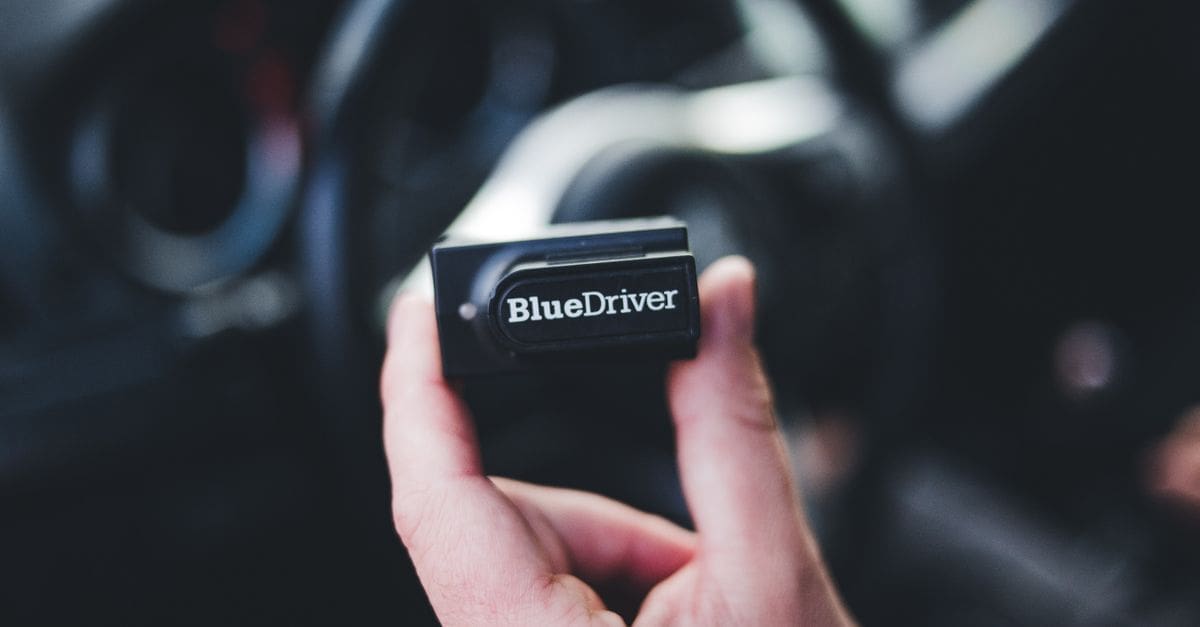
Bluetooth dongles pair with a phone app and are small enough to leave in the glovebox. Apps can show dashboards, repair suggestions and history, but advanced features often require a subscription.
Handheld scanners have their own screen and work without a phone or internet connection. They are durable, quick to use in a garage and do not depend on app support continuing.
Service and Bidirectional Functions
Service functions such as oil light reset, battery registration, electronic parking brake retraction and TPMS relearn save trips to the dealer. Check that the functions you need are supported for your exact vehicle.
Bidirectional controls let you command components like fuel pumps, cooling fans and ABS valves for testing. These features are common on higher-end tools and save time during diagnosis.
Vehicle Coverage and Updates
Coverage varies by brand, especially for European, Asian and newer vehicles with advanced modules. Look up your make, model and year in the scanner’s coverage list before buying.
Free lifetime updates keep the tool compatible with new models and fix bugs, while some brands charge annual fees. Built-in code definitions and repair tips speed up the process.
What to Check Before You Buy
- Decide between a code reader and full scan tool.
- Check live data and freeze frame.
- Choose Bluetooth or handheld.
- Confirm ABS, airbag and transmission support.
- Check service functions.
- Confirm vehicle coverage.
- Check update costs.
How to Choose an OBD2 Scanner
These steps help find a scanner for your car.
- List the vehicles you will scan.
- Decide on basic or advanced features.
- Choose a device format.
- Check system and service coverage.
- Compare live data features.
- Review update and subscription costs.
Ready to shop? Browse our full list of OBD2 Scanners to compare current options and prices.