Laser Engraver Buying Guide: Laser Type, Power and Safety
Personalized cutting boards, leather patches and acrylic signs all come off a desktop laser in minutes once it is dialed in. Laser type and power decide which materials it can mark or cut and how fast. Work area, enclosure and ventilation decide where it can safely live in your home or shop. Compare these points before buying one.
Diode, CO2 and Fiber Lasers
Diode lasers are the most affordable desktop option and engrave wood, leather, cardboard and coated metals well. Higher-power diode modules of 10 to 20 watts of optical output can cut thin plywood and dark acrylic in several passes.
CO2 lasers cut clear acrylic, thicker wood and fabrics cleanly and faster, but they are larger and need water cooling. Fiber lasers mark bare metals and plastics with fine detail but are not designed for cutting wood.
Optical Power vs Electrical Power
Some listings quote electrical input wattage, which is much higher than the actual optical output that reaches the material. Compare optical power figures to judge real cutting and engraving ability.
More power speeds up engraving and allows thicker cuts, but fine detail also depends on spot size and focus quality. A small, well-focused spot produces sharper photos and text.
Work Area and Enclosures
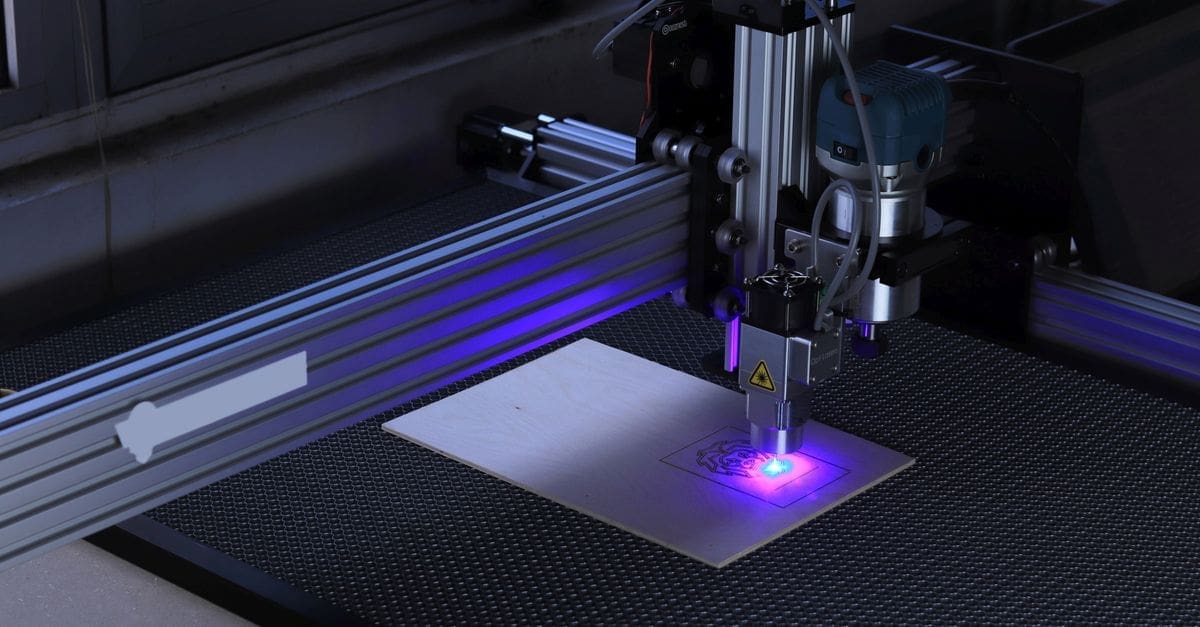
Open-frame diode machines often offer work areas of about 16 by 16 inches or larger and can be extended with longer rails. Enclosed machines are smaller but contain smoke, light and stray reflections.
Rotary attachments let you engrave tumblers, glasses and round objects. Check the maximum object height and whether the bed can be raised or removed for tall items.
Ventilation and Fire Safety
Burning wood, leather and acrylic produces smoke and fumes that must be vented outdoors or filtered through activated carbon and HEPA filters. Never laser PVC or vinyl, which release chlorine gas that damages lungs and machines.
Flame sensors, emergency stop buttons and air assist reduce fire risk, but you should never leave a running laser unattended. Keep a fire extinguisher within reach of the work area.
Eye Safety and Software
Laser light can cause permanent eye damage even from reflections. Wear safety glasses rated for the exact wavelength, or use a fully enclosed machine with a tinted viewing window.
Software support for popular design programs, camera positioning and material libraries speeds up projects. Check whether the machine works with LightBurn or the maker’s own app.
What to Check Before You Buy
- Choose diode, CO2 or fiber based on your materials.
- Compare optical output rather than electrical input.
- Check work area, object height and rotary support.
- Plan ventilation or a filtration system.
- Look for flame detection, emergency stop and air assist.
- Buy wavelength-rated safety glasses or choose an enclosed machine.
- Confirm software compatibility.
How to Choose a Laser Engraver
These steps help match a laser to your projects and space.
- List the materials you want to engrave or cut.
- Pick a laser type that handles those materials.
- Choose optical power and work area.
- Plan ventilation and fire safety in your workspace.
- Decide between open-frame and enclosed designs.
- Check software, accessories and support.
Ready to shop? Browse our full list of Laser Engravers to compare current options and prices.