
Backup Camera Buying Guide: Connection, Image and Display
Older vehicles without a factory rear camera have big blind spots behind the bumper, especially trucks, vans and RVs. An aftermarket camera shows what is behind you on a screen up front. Wired or wireless connection, image quality and display type decide how well it works. Compare these features before installing one.
Wired vs Wireless
Wired cameras run a video cable from the rear of the vehicle to the display, giving a stable image with no lag or interference. Routing the cable through trim panels takes time but the result is very reliable.
Wireless cameras transmit the signal to the screen and install much faster, which suits trucks, RVs and trailers. Digital wireless systems resist interference far better than older analog wireless units.
Image Quality and Night Vision
Cameras with 720p or 1080p resolution show license plates, curbs and small objects more clearly than older low-resolution units. Wide dynamic range keeps the image readable when bright sky and dark shadows appear in the same frame.
Low-light sensors and infrared LEDs help at night, though infrared images appear in black and white. Starlight sensors keep color in dim parking lots and driveways.
Viewing Angle and Parking Guidelines
Viewing angles of 120 to 170 degrees show more of the area behind the bumper and help spot cross traffic. Very wide lenses can distort distance, making objects appear farther away than they are.
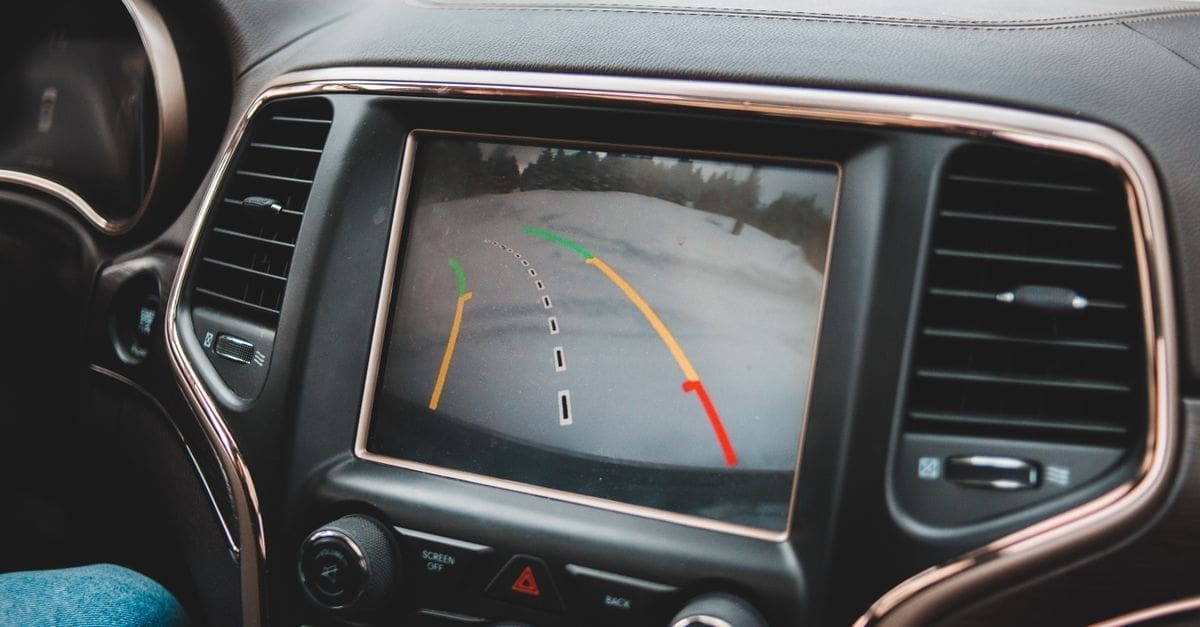
On-screen parking guidelines help judge distance when reversing. Adjustable or dynamic guidelines that bend with steering input are especially helpful for trailers and tight spaces.
Display Options
Standalone dash monitors are simple to install, while rearview mirror monitors replace or clip over the existing mirror and keep the dashboard uncluttered. Many aftermarket head units include a dedicated camera input.
Check screen size, brightness and whether the display switches on automatically in reverse. Larger screens help in trucks and RVs with long blind spots.
Mounting and Weatherproofing
License plate frame and bracket mounts are the easiest installation for most cars. Trucks and RVs often use tailgate handle or roof-line mounts for a higher viewing angle.
Look for IP67 or IP68 ratings so rain, snow and car washes do not cause fogging or failure. Multi-camera systems let you add side or trailer cameras later.
What to Check Before You Buy
- Choose wired or wireless.
- Check resolution and night vision.
- Compare viewing angle.
- Look for parking guidelines.
- Choose display type.
- Check IP rating.
- Plan mounting.
How to Choose a Backup Camera
These steps help you add a camera to your vehicle.
- Decide where the display will go.
- Choose wired or wireless.
- Check image quality.
- Pick viewing angle and guidelines.
- Confirm weatherproofing.
- Plan installation.
Ready to shop? Browse our full list of Backup Cameras to compare current options and prices.


