How to Choose a 3D Printer
Replacement parts, cosplay props and custom organizers can all come off a desktop filament machine in a few hours. Build volume, speed and auto-calibration decide how easy a printer is to live with. Enclosure, materials support and software affect what you can print reliably. Compare these features before choosing one.
Bed Slinger, CoreXY and Enclosed Designs
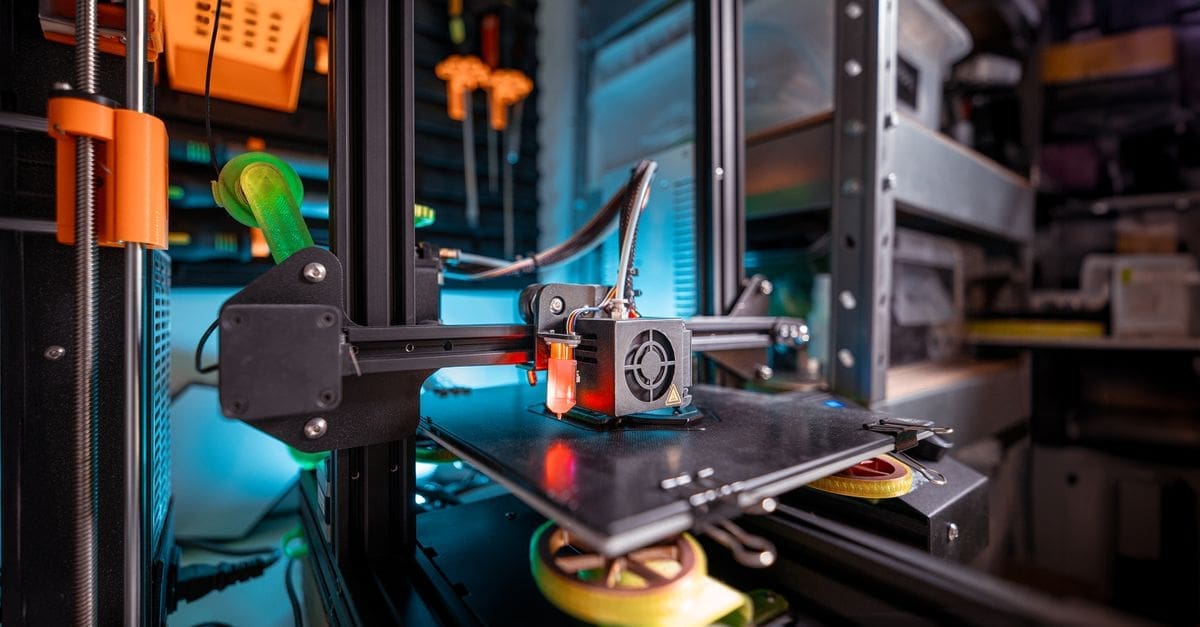
Bed-slinger printers move the build plate back and forth on the Y axis, which keeps them affordable and easy to repair. They are a popular first printer for hobbyists printing PLA and PETG.
CoreXY printers move the print head on both X and Y while the bed moves down, allowing faster speeds and better precision. Enclosed CoreXY designs hold heat for ABS and ASA and keep drafts from causing warping.
Build Volume
Typical build volumes range from about 180 to 300 millimeters per side. A 220 to 256 millimeter cube covers most household parts, toys and organizers.
Larger build volumes let you print helmets and large props in one piece, but bigger beds take longer to heat and need more space. Measure your table or shelf before buying.
Auto Leveling and Calibration
Automatic bed leveling probes the plate and compensates for small dips, which makes first layers much more reliable. It is one of the most helpful features for beginners.
Newer printers also auto-calibrate vibration compensation, flow and pressure advance. These features reduce ringing and improve corners without manual tuning.
Filament Support and Multi-Color
PLA and PETG print well on almost any modern printer. ABS, ASA and nylon need higher temperatures and benefit greatly from an enclosure, while flexible TPU needs a direct-drive extruder.
Multi-material systems feed several spools for color prints or soluble supports. They add cost and some waste from purging but open up colorful and complex projects.
Speed, Software and Ecosystem
Modern high-speed printers can print at 300 to 600 millimeters per second while maintaining good quality, cutting print times dramatically. Real-world speed depends on part size and material.
Easy slicer software, cloud printing, camera monitoring and an active user community make the printer easier to live with. Check spare parts availability and firmware updates.
What to Check Before You Buy
- Choose bed slinger, CoreXY or enclosed design.
- Check build volume.
- Look for auto leveling.
- Confirm filament compatibility.
- Consider multi-color systems.
- Check speed and print quality.
- Review software and support.
How to Choose a 3D Printer
These steps help find a printer for your projects.
- Decide what you plan to print.
- Choose build volume.
- Pick a motion system and enclosure.
- Check materials support.
- Compare calibration features.
- Review software and community.
Ready to shop? Browse our full list of 3D Printers to compare current options and prices.