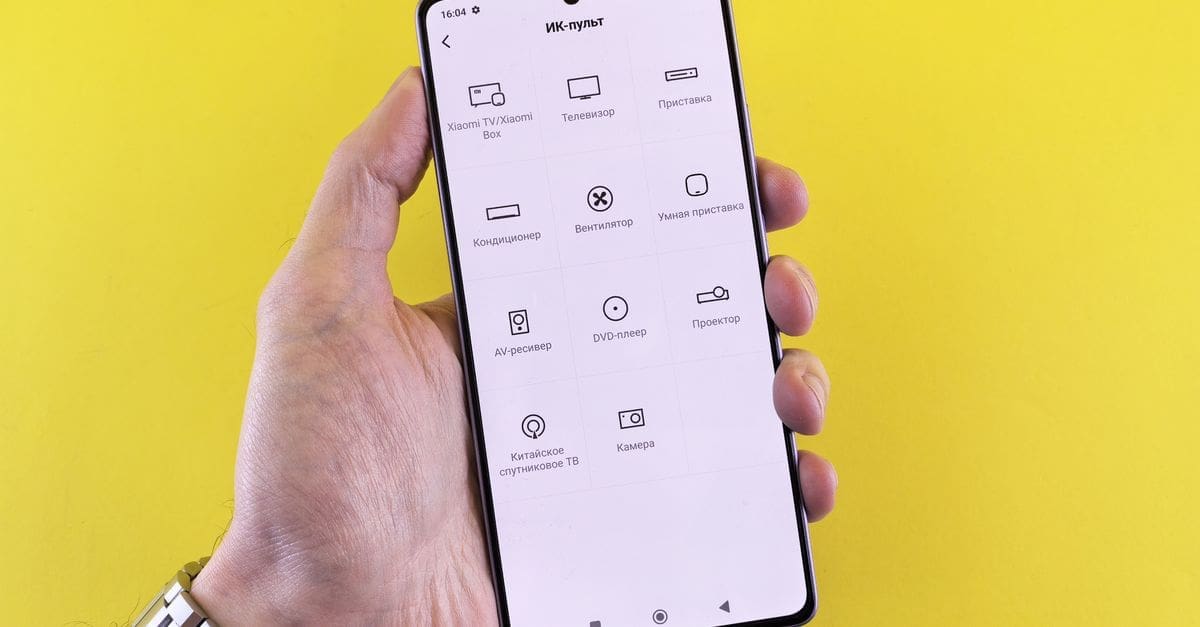
How to Choose a Smart IR and RF Remote Controller
Bridging older infrared and radio-frequency equipment into a connected system lets you control gear that predates any app. Infrared needs line of sight and works only within a room, while radio frequency passes through walls but requires learning the specific code. Code library coverage determines whether your equipment is recognised instantly or has to be taught button by button. Placement is the difference between reliable operation and intermittent failures.
Infrared Versus Radio Frequency
Infrared controls the vast majority of televisions, air conditioning units, and audio equipment. It requires a clear line of sight from the emitter to the device, so a controller behind a cabinet door simply will not work.
Radio frequency passes through walls and furniture, and is common on ceiling fans, some blinds, and garage equipment. RF operates on specific frequencies such as 315 or 433 megahertz, so a controller must support the right band to be of any use.
Code Libraries and Learning Mode
A large built-in database means selecting your device brand and model and having every function work immediately. Coverage is strongest for mainstream television and air conditioning brands and patchier for older or regional equipment.
Learning mode captures signals directly from your original remote, one button at a time, which covers anything the library misses. Check whether learned codes are stored on the device or in the cloud, since a cloud-stored library disappears if the service ends.
Emitter Coverage and Placement
Built-in emitters radiate in a pattern around the unit, and coverage claims of 360 degrees usually mean a horizontal spread rather than a sphere. A controller on a low shelf may not reach a wall-mounted unit above it.
Extension emitter cables solve difficult layouts by placing a small emitter directly on the target device’s receiver window. That approach works reliably behind cabinet doors and in racks, and is worth choosing over relying on a single central unit in a complex room.
State Tracking and Its Limits
Infrared is one-way, so the controller sends a command without knowing whether it arrived or what state the device is in. If someone uses the original remote, the controller’s assumed state becomes wrong.
Discrete codes for explicit on and off, where a device supports them, avoid the ambiguity of a single toggle button. Some controllers add a temperature sensor or a power monitor to infer actual state, which improves reliability for automations considerably.
Integration Depth and Automation
Basic integrations expose each learned button as a separate action, which works but produces cluttered automations. Better implementations model a device properly, so an air conditioning unit appears with temperature and mode rather than a list of button presses.
Check which platforms the controller integrates with and whether commands are sent locally. A cloud round trip to change television volume introduces a delay that makes the control feel broken even when it is working correctly.
Power, Form Factor, and Reliability
Most units are mains powered over USB and need to stay on continuously, so factor in a permanently occupied outlet near the equipment. Battery-powered controllers exist but sacrifice emitter strength to conserve charge.
Look for a device that reconnects reliably after a power interruption and does not require re-pairing. Firmware update support matters here too, since code libraries expand over time and a controller that stops receiving updates gradually loses coverage for newer equipment.
What to Check Before You Buy
- Confirm whether your equipment uses infrared, radio frequency, or both.
- Check the supported RF frequency bands match your devices.
- Verify the code library covers your specific brands and models.
- Confirm learned codes are stored locally rather than only in the cloud.
- Plan emitter placement and consider extension cables for enclosed equipment.
- Look for discrete on and off codes rather than a single toggle.
- Check the integration models devices properly instead of listing raw buttons.
How to Choose a Smart Remote Controller
Inventory the equipment you want to control, since that determines everything else.
- List each device and identify whether it uses infrared or radio frequency.
- Check the controller supports the required frequency bands.
- Verify code library coverage for your specific models before buying.
- Plan placement with clear line of sight, or budget for extension emitters.
- Confirm the integration exposes devices meaningfully to your platform.
- Check local control, power requirements, and firmware update history.
Ready to shop? Browse our full list of Smart IR/RF Remote Controllers to compare current options and prices.