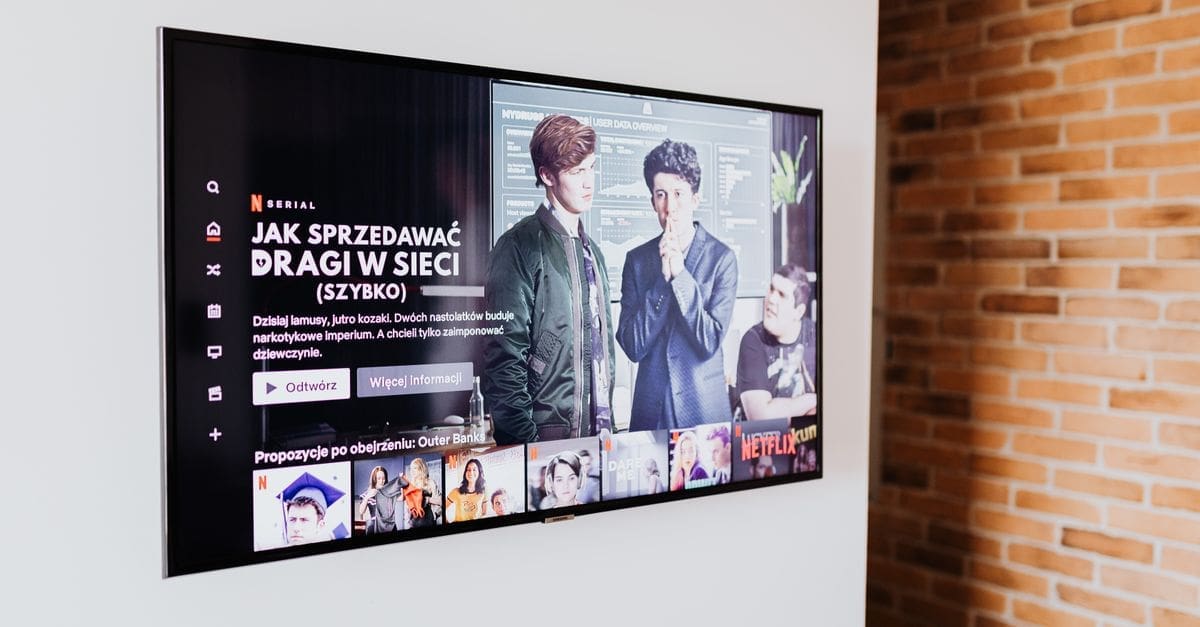
What to Look for in a Smart TV Platform
Beyond the panel, a television’s built-in platform, gaming features, and connections determine how pleasant it is to live with day to day. The operating system’s speed, app selection, and how heavily it pushes advertising shape every session. Gamers and console owners have their own set of features to weigh. Judging the smart platform and connectivity carefully prevents a fine panel trapped behind a sluggish, cluttered interface.
Smart Platform and App Selection
The built-in operating system decides which streaming apps are available, how quickly menus respond, and how the home screen is organised. A laggy platform undermines even an excellent panel, since every session begins with its interface.
Some platforms foreground their own content and advertising aggressively, while others stay neutral and let you arrange your apps. Confirm the services you use are present and well maintained, and consider whether an external streaming player would give a cleaner experience if the built-in platform disappoints.
Gaming Features and Input Lag
For gaming, low input lag is the headline figure, since a laggy panel makes fast games feel disconnected from the controller. A dedicated game mode that strips out processing to minimise lag is worth confirming rather than assuming.
Variable refresh rate and automatic low-latency switching keep motion smooth and reduce tearing with a modern console or PC. High-refresh support matters for players chasing higher frame rates, so check the panel and the relevant HDMI ports handle it.
Connections and HDMI Standards
Count the HDMI ports against your devices, since a console, a streaming player, and a sound system quickly fill them and a shortage forces constant swapping. The HDMI version on each port determines which resolutions, refresh rates, and audio features pass through.
An audio return channel, ideally the enhanced version, lets the television send high-quality sound to a soundbar or receiver over one cable. Check that the ports supporting the newest features are not the same ones you would use for other devices, a common layout compromise.
Sound and Audio Output
Slim televisions have little room for speakers, so built-in sound is often thin and lacking bass, which is why many owners add a soundbar. Judge the built-in audio realistically and budget for external sound if dialogue clarity and impact matter to you.
Support for passing surround and object-based audio to external equipment lets the television act as a hub without downmixing the signal. Confirm the audio output formats match your sound system so you are not losing quality in the handoff.
Voice Control and Smart Home
Voice search across services and control of the television by voice speed up finding content and adjusting settings without menus. Built-in assistants can also tie the television into a wider connected home, controlling or displaying other devices.
Weigh how much you value that integration against a platform that simply runs your apps cleanly. Confirm the assistant works with the ecosystem you already use, since a voice feature tied to a service you do not use adds little.
Tuners, Recording, and Extras
A built-in tuner for over-the-air broadcast, and support for a connected drive to pause or record live television, matter to viewers who watch broadcast alongside streaming. These features vary by region and model, so confirm what is included.
Extras like multi-view for watching two sources at once, or a picture setting that follows ambient light, add convenience without being decisive. Focus first on the platform speed, gaming features, and connections that you will use every day.
What to Check Before You Buy
- Confirm the smart platform is responsive and carries the apps you use without heavy advertising.
- For gaming, check low input lag, a game mode, and variable refresh rate support.
- Count HDMI ports and confirm the version on each supports your devices’ features.
- Verify an enhanced audio return channel for a soundbar or receiver.
- Judge built-in sound realistically and plan for external audio if needed.
- Confirm voice control and any assistant work with your ecosystem.
- Check for a tuner and recording support if you watch broadcast television.
How to Choose a Smart TV
Start with how you will use the set day to day, then weigh platform, gaming, and connections against price.
- List your devices and how you watch, including gaming and broadcast.
- Confirm the platform runs your apps quickly and without clutter.
- Check gaming features if you own a console or gaming PC.
- Count HDMI ports and match their versions to your devices.
- Plan for a soundbar if built-in audio falls short.
- Verify voice and smart-home integration suit your ecosystem before buying.
Ready to shop? Browse our full list of Smart TVs to compare current options and prices.