
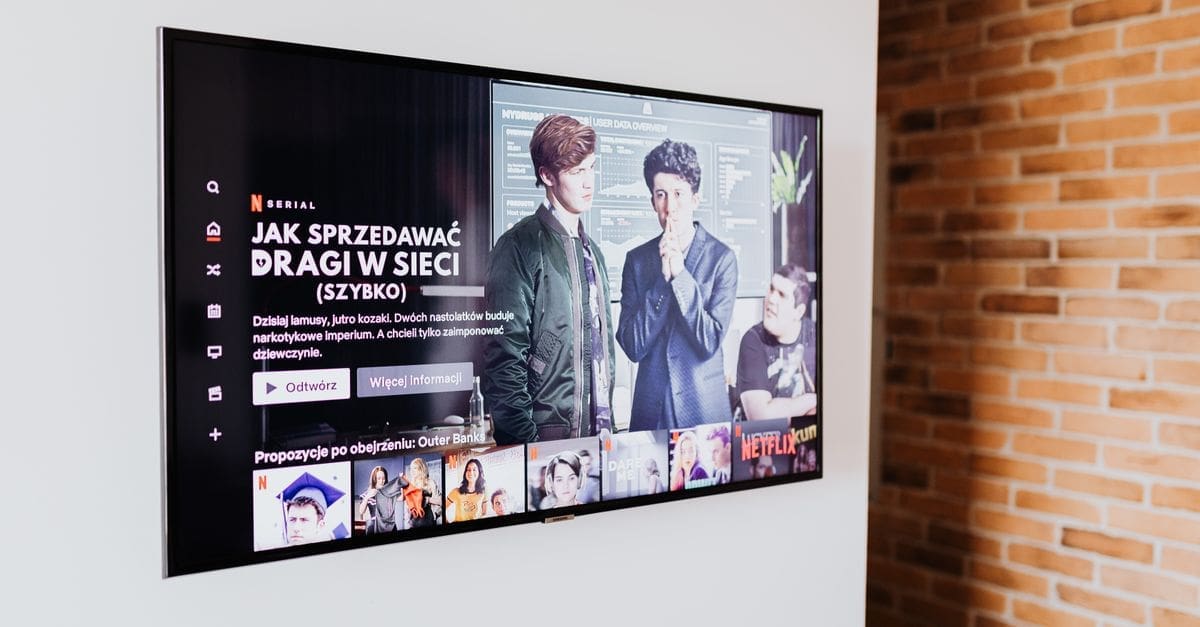
Smart TV Buying Guide: Picture Quality and Contrast
Picture quality on a television comes down to the panel technology, how it controls brightness and contrast, and how well it processes real content, none of which show up on a spec sticker. Panel type, local dimming, and peak brightness shape how a film looks in your actual room far more than a resolution number. Viewing distance and ambient light change which strengths matter. Judging a set on these fundamentals prevents disappointment when a bright showroom demo meets a dim living room.
Panel Technology and Contrast
Self-emissive panels switch each pixel off individually for true black and effectively infinite contrast, which suits dark-room film watching. LED-backlit panels are brighter and cheaper but rely on dimming zones to approximate deep blacks, with results that vary widely by implementation.
The practical choice depends on your room and content, since a self-emissive panel shines in a controlled dark space while a bright backlit set holds up better against sunlight. Contrast, not resolution, is what most viewers perceive as picture quality, so this decision matters most.
Brightness and HDR Performance
Peak brightness determines how much impact high dynamic range content has, since HDR relies on bright highlights against dark shadows. A set that cannot reach adequate brightness renders HDR flat, undoing the format’s advantage.
Sustained brightness across a large bright scene, not just a small highlight, separates a convincing HDR television from one that dims when the whole screen brightens. Support for the HDR formats your content uses ensures the set applies the right tone mapping rather than a fallback.
Local Dimming and Backlight Control
On backlit sets, the number and control of dimming zones decides how cleanly bright objects sit against dark backgrounds without a halo of grey light around them. More zones, well managed, mean deeper blacks and less blooming.
Full-array local dimming, with zones spread across the whole panel, outperforms edge-lit designs that dim only from the sides. When comparing backlit televisions, the dimming implementation matters more than the headline zone count, since poor control of many zones can still bloom.
Motion Handling and Refresh Rate
A higher native refresh rate and good motion processing keep fast sport and action clear rather than smeared. The panel’s real refresh rate matters more than an inflated marketing figure that combines processing tricks.
Judder from film content and blur in motion are handled by the processor, and heavy-handed smoothing introduces the artificial soap-opera look many viewers dislike. Look for adjustable motion settings so you can tune clarity without over-processing the image.
Viewing Angle and Room Fit
Some panels wash out and shift colour when viewed off-centre, which matters in a wide room where people sit at angles rather than dead ahead. Wide-angle panels trade some contrast for consistency across seats.
Screen size should follow viewing distance, since sitting too close to a large panel makes individual pixels and processing flaws visible. Measure the distance from the sofa and choose a size that fills the view comfortably without overwhelming a small room.
Upscaling and Processing
Most content is not native 4K, so how well the television upscales lower-resolution sources shapes everyday viewing more than its handling of pristine demo footage. A strong processor cleans up compression artefacts from streaming without smearing detail.
Colour accuracy out of the box, and a picture mode that respects the creator’s intent, save you from a garishly oversaturated default. A filmmaker or calibrated mode is worth checking for if you want the image as the content was mastered.
What to Check Before You Buy
- Choose a panel technology that suits your room’s light and the content you watch most.
- Confirm adequate peak and sustained brightness for meaningful HDR impact.
- On backlit sets, weigh full-array local dimming and its control over edge-lit designs.
- Check native refresh rate and adjustable motion settings for clear action.
- Consider viewing angle if seats are spread across a wide room.
- Match screen size to your actual viewing distance.
- Look for strong upscaling and an accurate picture mode for everyday sources.
How to Choose a Smart TV
Start with your room and the content you watch, then weigh panel and processing over marketing numbers.
- Assess your room’s light level and where people sit before choosing a panel type.
- Prioritise contrast and brightness suited to that room over resolution alone.
- On backlit sets, compare dimming implementation rather than zone counts.
- Check refresh rate and motion handling for the content you watch.
- Match screen size to viewing distance for a comfortable image.
- Verify upscaling quality and an accurate picture mode before buying.
Ready to shop? Browse our full list of Smart TVs to compare current options and prices.


